
Best Meditation Timer for iPhone: What to Look For in an iOS Timer App
Looking for a meditation timer for iPhone? Learn what matters: lock-screen behavior, gentle bells, offline soundscapes, focus mode, and simple session tracking.
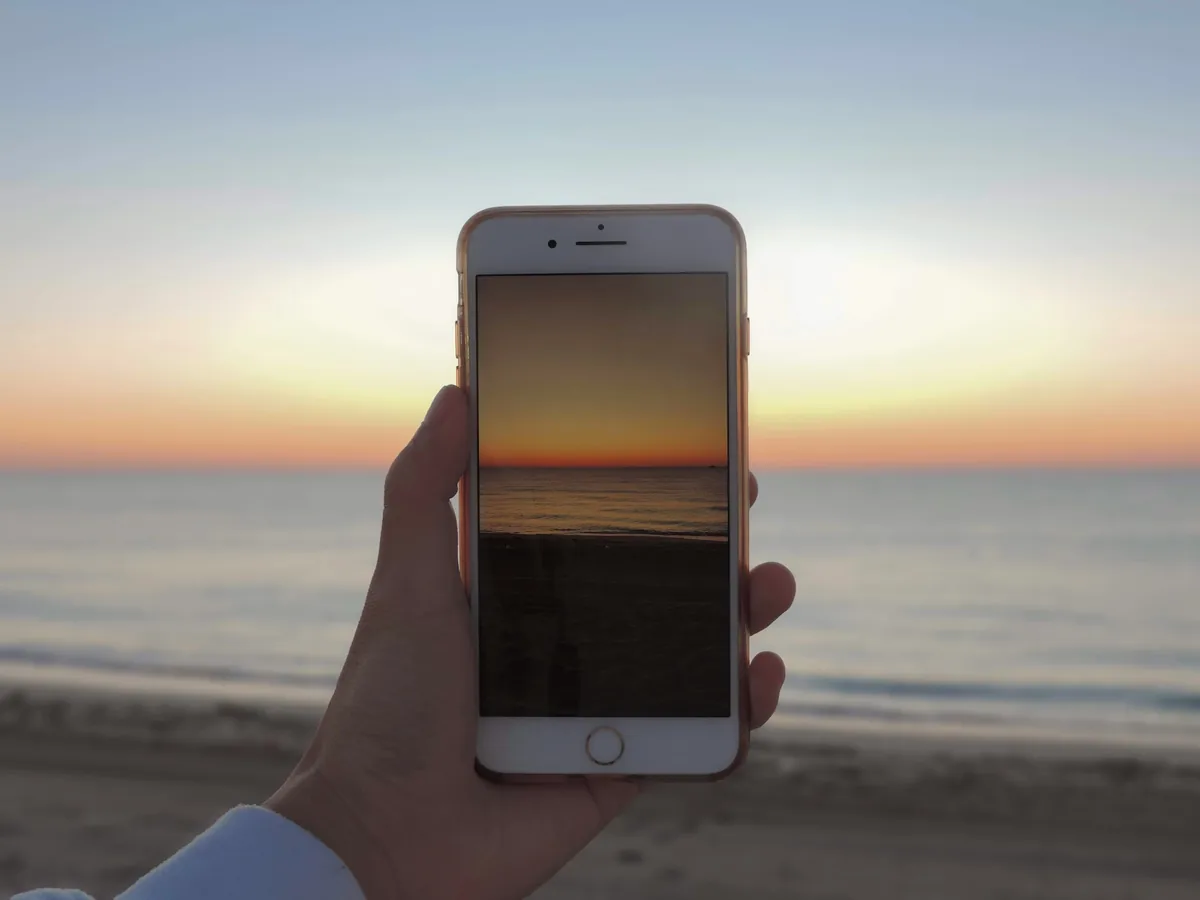
The iPhone Clock Is Not a Meditation Timer
You can meditate with the iPhone Clock app. Many people start that way. But a phone alarm is designed to interrupt. A meditation timer is designed to support a transition.
The difference is small at first and large over time. A harsh alarm can make the end of meditation feel abrupt. A good bell lets the session close gently.
What an iPhone Meditation Timer Should Do
Look for:
- Custom durations.
- Gentle start and end bells.
- Interval bells.
- Lock-screen reliability.
- Offline use.
- Optional soundscapes.
- Session history.
- A clean interface that does not become another distraction.
The app should work while the phone is face down and out of attention.
Best iPhone Timer-First Option: MindTime
MindTime is a strong iPhone meditation timer because it is built around self-guided sessions. You can choose a duration, set bells, use silence or a soundscape, and track consistency.
It is especially useful if you do not want a guided meditation every time. Many iPhone meditation apps are built around content libraries. MindTime is built around the timer.
Bring these mindfulness tips into a daily practice.
MindTime helps you meditate, mix soundscapes, and stay consistent with session tracking. All features are free to use.


Why Offline Matters on iPhone
Offline use is useful even when you have signal. Putting the iPhone in airplane mode or focus mode before meditation reduces the temptation to check notifications.
Downloaded soundscapes are useful for:
- Morning practice before messages.
- Flights.
- Retreats.
- Sleep routines.
- Low-signal travel.
- Quiet sessions away from Wi-Fi.
Bells and Haptics
For meditation, audio bells are usually better than vibration. Haptics can feel like a notification. A soft bell feels more like part of the session.
Use a start bell to begin, an end bell to close, and interval bells only when they serve a purpose.
iPhone Focus Mode Setup
For a calmer session:
- Create a Meditation Focus mode.
- Silence notifications during practice.
- Allow only emergency contacts if needed.
- Open MindTime.
- Start the timer and place the phone face down.
This setup turns the iPhone from a distraction device into a practice tool.
MindTime vs Larger iPhone Meditation Apps
Insight Timer, Headspace, and Calm are all available on iPhone and useful for guided content. But if you want a timer-first workflow, they can feel larger than necessary.
Choose MindTime when you want to open the app and begin rather than browse.
Recommendation
The best meditation timer for iPhone is one you can trust enough to ignore. MindTime is built for that: quiet setup, gentle bells, offline-friendly soundscapes, and simple tracking for consistency.
Free Practice, with or without a Guide
All MindTime features are free on iPhone, including bells, soundscapes, mixes, and session tracking. No subscription or lifetime purchase is required. For a first session, set five minutes, leave soundscapes off, and use a gentle end bell. Our silent meditation guide explains what to do while the timer runs.
If you want spoken instruction, Plum Village offers teachings rooted in its mindfulness tradition, and Medito offers free guided practice. Both are available on Android and iOS. See our free meditation app comparison to choose the format that suits you, or download MindTime for self-guided sessions.